Nexter Extension

Content Protection For WordPress

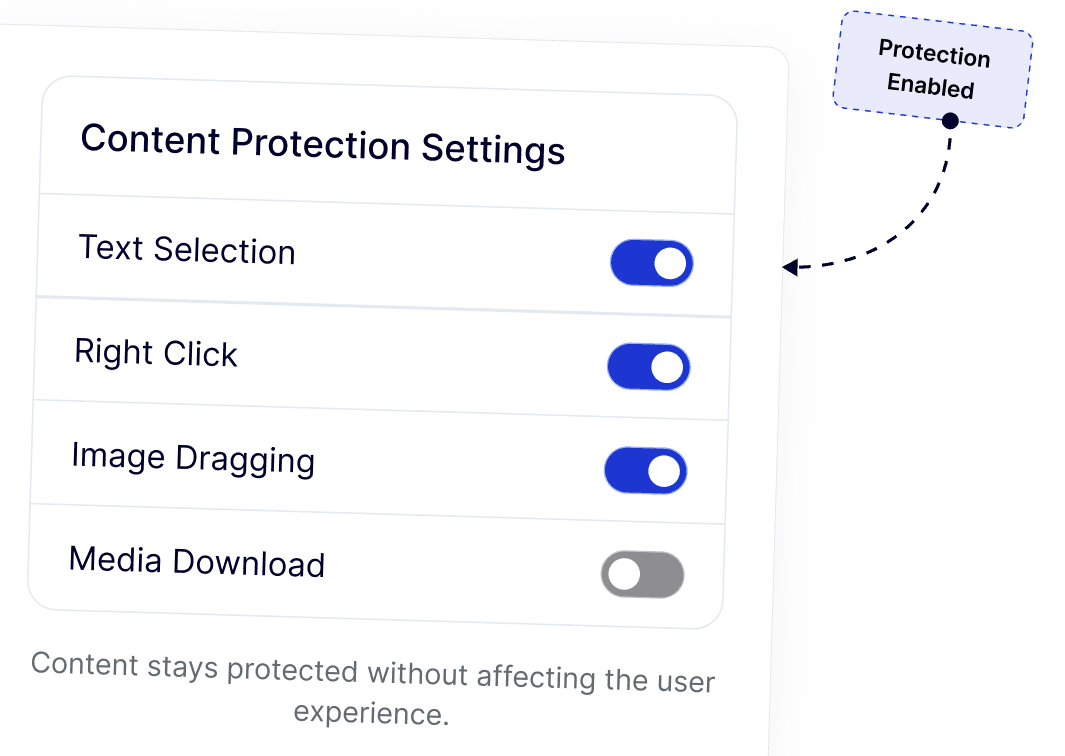
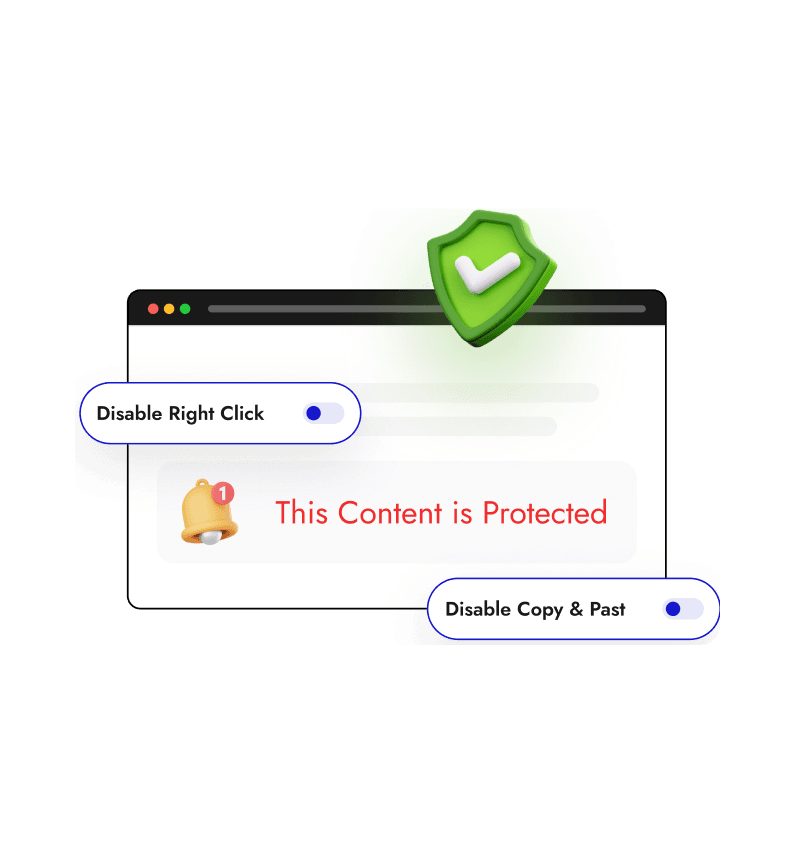
The Content Protection feature in Nexter Extension helps protect content in WordPress by restricting common browser actions used to copy, inspect, or misuse website content. It safeguards your text, images, and media while maintaining a smooth and user-friendly browsing experience.

stylist icon

Limit right click, text selection, dragging, copy paste actions, and search hotkeys to reduce unauthorized access to your content.

stylist icon

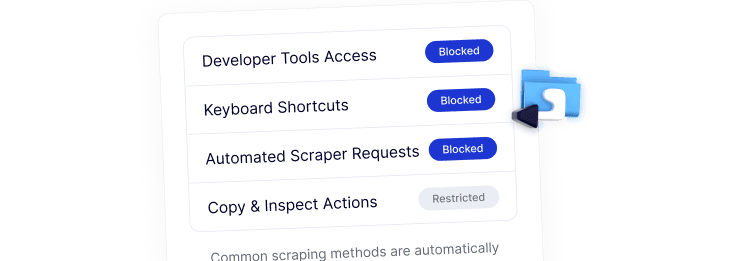
Restrict access to browser developer tools and shortcuts commonly used for content inspection and scraping.

stylist icon

Manage all content protection WordPress settings from a single dashboard without impacting site performance.

money-back-garanteee

60 Day Money-Back Guarantee

Guarantee-icon

60 Day Money-Back Guarantee

Creative Image

Key Benefits of Content Protection

Prevent Unauthorized Content Copying

Protect content in WordPress by stopping copying of text, images, and media.

content protection

Reduce Content Scraping Risks

Block tools and shortcuts often used to scrape and extract website content.

reduce content scraping

Preserve SEO Value

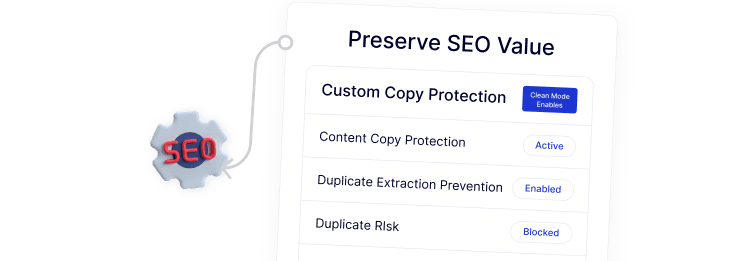
Maintain content originality and reduce the risk of duplicate content issues.

Preserve seo value

Strengthen Brand and IP Protection

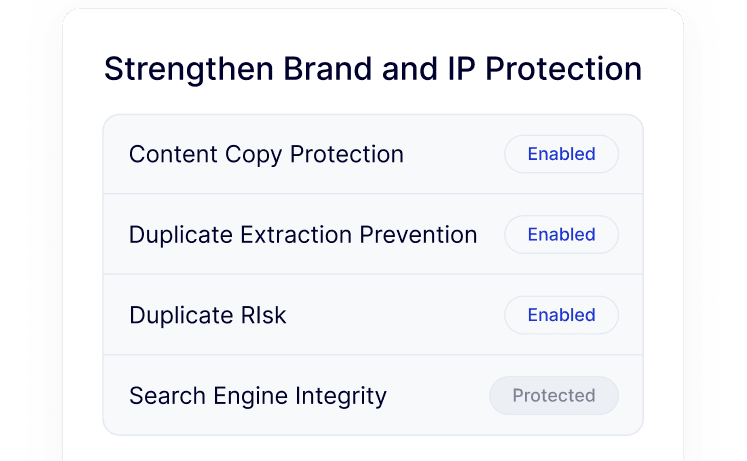
Safeguard intellectual property and brand assets across your website.

ip protection

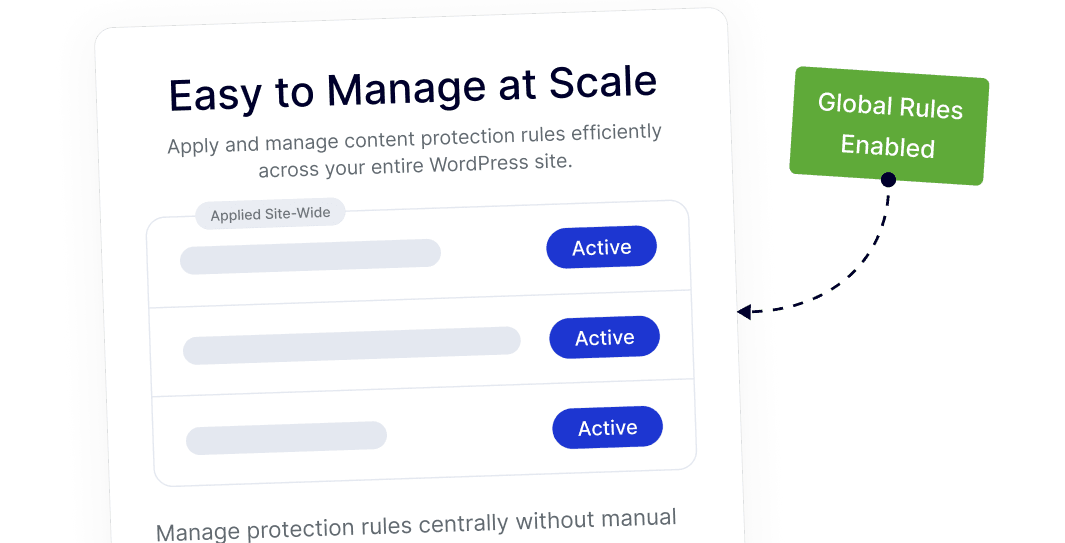
Easy to Manage at Scale

Apply and manage content protection rules efficiently across your entire WordPress site.

easy to manage

Frequently Asked Questions

You can use Content Protection for WordPress to disable text selection and the right-click menu. This prevents casual users from highlighting and copying your written content, keeping your work exclusive to your website.
No, it does not. These restrictions happen at the browser level for users and do not prevent search engine bots from crawling and indexing your pages. In fact, it helps SEO by making it harder for others to create duplicate versions of your content.
Yes, by enabling "Image Dragging" and "Media Download" restrictions, you can stop users from dragging images to their desktop or saving them via the right-click menu. This is a common way to protect portfolios and photography.
Usually, users install four or five different plugins for right-click, dev tools, and image protection. Nexter Extension includes all these tools in one module, keeping your WordPress dashboard clean and reducing site bloat.
Most single-purpose protection plugins add extra scripts that can lag. Nexter is built to be lightweight and modular, meaning the code only runs when the feature is active, ensuring your site remains fast for real visitors.
WordPress is designed to be open and flexible by default. Content protection is considered a specific security preference, which is why site owners use an extension like Nexter to add these restrictions based on their specific needs.

More Extensions from Nexter

1000+ Pre-Designed Websites
Templates & Sections

View 1000+ WordPress Templates & Sections